Whatnot Spy Chrome Extension
See live stream sales, buyers, revenue, and exports while you watch any Whatnot show.
Add Whatnot Spy to ChromeView Boost raises your live view count in seconds. A bigger count ranks you higher in Whatnot's feeds, pulls in more raids, and brings in real buyers — because a busy room draws people in.
First eligible stream free · No download · Starts in seconds Boost console
128 min free +
Boost console
128 min free +
On Whatnot, your view count is leverage. The more viewers you show, the more the app promotes you — and the more real buyers trust the room enough to join. View Boost gives you that head start while you're live, instead of waiting for the algorithm to notice an empty room.
No extension to install and no account changes. Everything runs from the Boost console in your browser.
Drop your Whatnot live URL into the Boost console. It reads your current live viewer count automatically.
Choose how full you want the room to look, then let Boost keep the growth smooth while you sell.
Viewers start joining instantly and keep ramping in smoothly. Watch balance, burn rate, and boost level update live while you sell.
A Whatnot view bot — sometimes called a viewer bot or view boost — adds extra viewers to your live show so the room looks busy and buyers are more likely to stay. Whatnot's algorithm and buyers both react to viewer count: bigger rooms get surfaced more and feel more worth watching.
View Boost is built to look natural. Viewers start joining instantly, then keep ramping in gradually instead of appearing all at once. The boost stays capped to your real audience — up to 2× your live room, and never more than 350 added viewers — so your room grows without looking like an obvious spike.
Track your real viewers with a multiplier, or dial in an exact viewer count by hand.
Viewers join and leave smoothly so the room grows the way an organic crowd would.
Pay only for viewer-minutes you use. See balance and burn rate live, top up anytime.
Try View Boost on your first eligible Whatnot stream before you buy a single credit.
Boost console
Free stream ready +
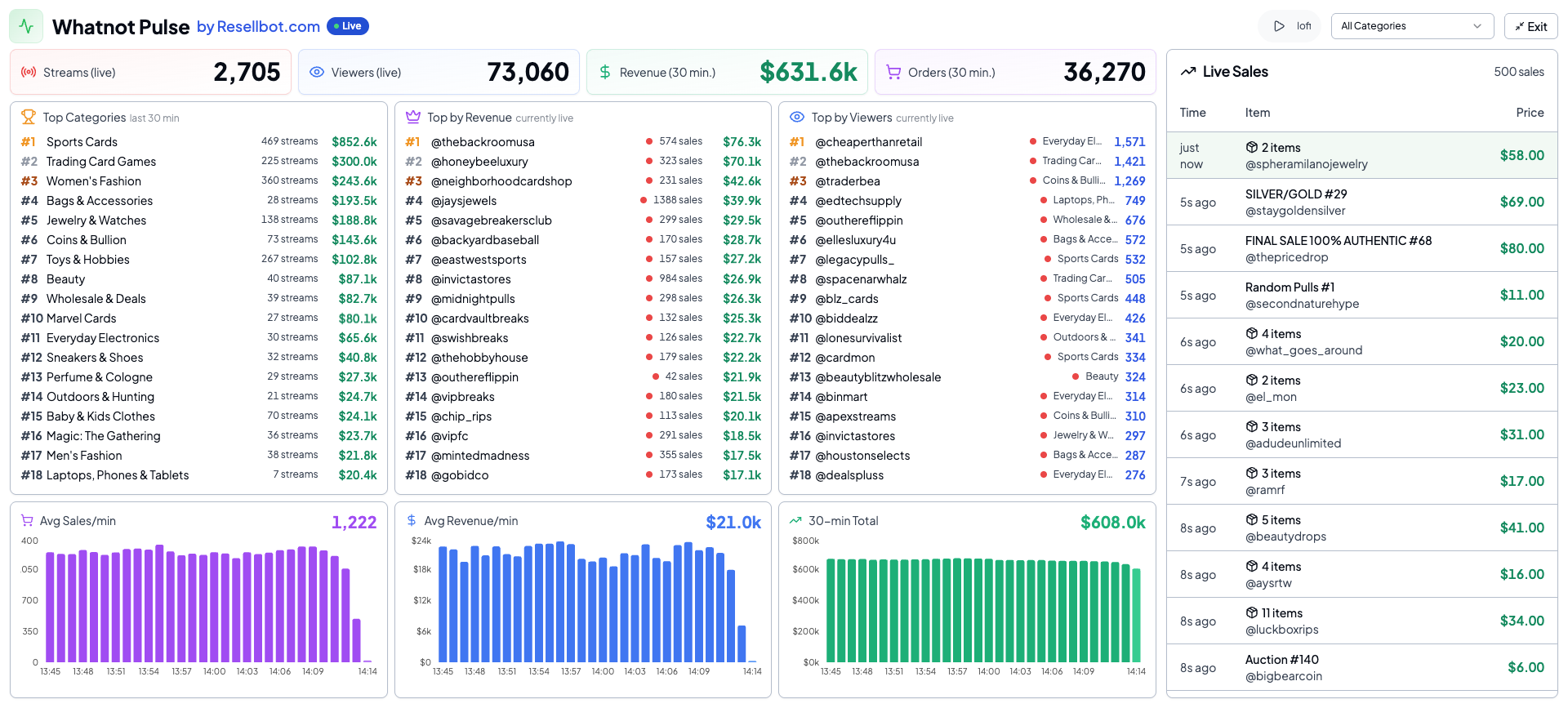
Boost grows your room — Spy tells you what to sell in it. Whatnot Spy is our live analytics dashboard: a real-time pulse of streams, viewers, revenue, top categories, and the sellers moving the most volume right now.
Add quick stream analytics and visual sale records right in your browser while you watch a Whatnot show. Both are free.
See live stream sales, buyers, revenue, and exports while you watch any Whatnot show.
Add Whatnot Spy to ChromeCapture visual sale records so you can review streams and keep cleaner support notes.
Add Double Check to ChromePublic, always-free Whatnot data. Use these to decide what to list, relist, source, and study before you go live.
Compare live categories, sellers, products, stream counts, and revenue signals.
View data
Find live-selling categories with demand, revenue, and room to compete.
Read report
See the products and categories showing the strongest sales activity.
Read report
Study active sellers and the shows creating the most marketplace volume.
Read report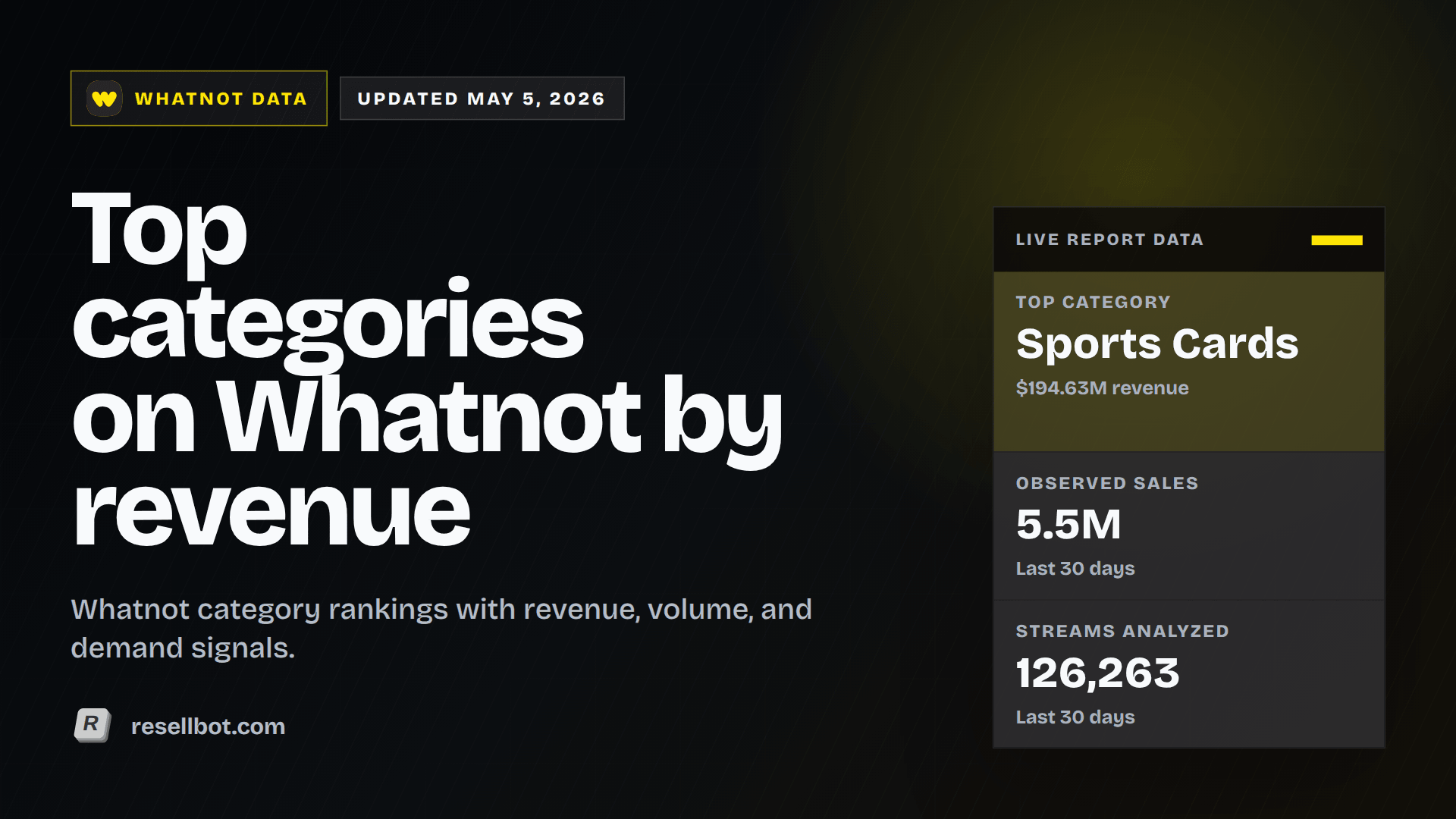
Compare categories by revenue, volume, pricing, and seller activity.
Read report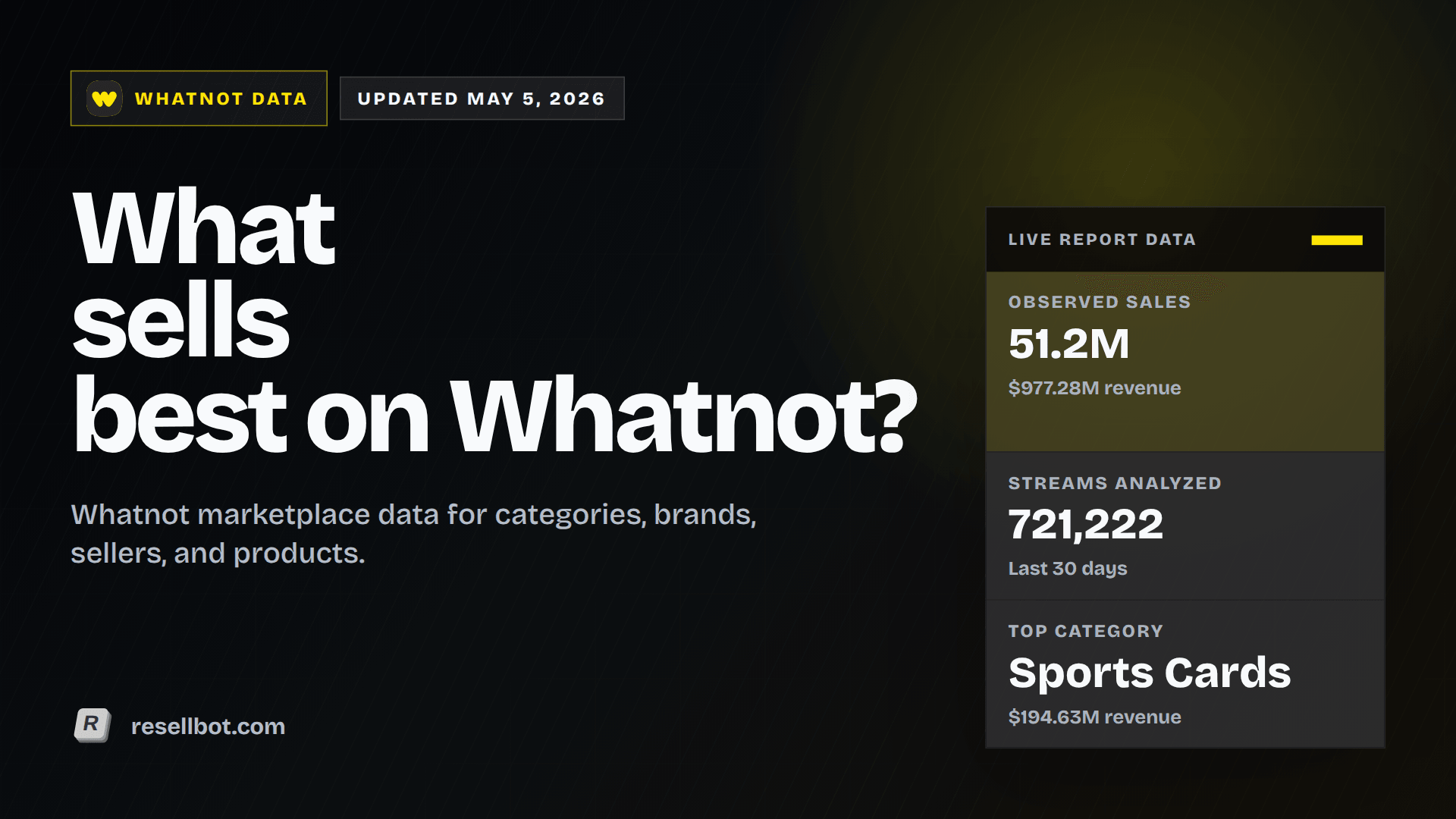
Use the latest market read to plan what to bring into upcoming shows.
Read reportWhatnot View Boost is Resellbot's viewer bot for live sellers. It raises the viewer count on your show while you're live — which helps you rank higher in Whatnot's search and category feeds, makes you a better raid target, and draws in more real buyers because a busy room pulls people in. You paste your live link, choose a viewer level, and the count starts climbing instantly — up to 2× your live room.
Yes. New eligible accounts get one free Whatnot stream boost, so you can paste a live link and try View Boost before buying credits.
Yes — viewer boosting is common on Whatnot. Many sellers use a view bot like View Boost to make a new or quiet room look active so it doesn't feel dead before buyers arrive. View Boost ramps viewers in gradually and keeps the boost capped to your real audience so growth stays natural.
"Boost" refers to increasing the viewer count on your live show. With Resellbot View Boost you control the boost yourself: turn it on during a stream, pick how many viewers to add, and watch your credits and boost level update live in the Boost console.
Three things help most: go live consistently at the same times, list products people are actively searching for, and make the room look active from the start. View Boost handles the last part instantly, and the free Whatnot market reports above help with the first two.
Your first eligible stream is free. After that, boost runs on prepaid credits priced around $0.10 per viewer per hour — you only pay for the viewer-minutes you actually use, and you can see balance and burn rate live while you stream.
No. View Boost runs entirely from the Boost console in your browser at boost.resellbot.com. There's no extension to install and no changes to your Whatnot account. (The optional Whatnot Spy and Double Check Chrome extensions are separate, free analytics tools.)
Whatnot Spy is our dedicated Whatnot analytics dashboard — a real-time sales pulse plus seller research, buyer leads, and CSV exports. There's also a free Whatnot Spy Chrome extension that overlays live stream analytics while you watch a show.
Your first eligible stream is free. Paste your live link and go.