Poshmark seller tools, made simple.
Automate daily tasks, check your profit before an offer, clean up stale inventory, and see what is selling now.
- Automation
- Fee calculator
- Sales data
What sellers are movingCurrent Poshmark data
Latest 30-day report
- Sales analyzed
- 2,440,450
- Sellers
- 535,659
- Top category
- Bags
- Top brand
- Coach
Save timeLet Resellbot handle repeat closet tasks.
Protect your profitCheck fees and margins before you discount.
Source with evidenceSee what is selling before you buy more.
Start with the job in front of you
Pick the tool that solves it.
You do not need a complicated system. Choose what you want to improve today.
Keep my closet active
Run sharing, follows, offers, and listing refreshes from the cloud. Open Poshmark AutomationKnow what I will keep
See your payout, profit, and margin before you send or accept an offer. Calculate Poshmark feesDecide what to source
Compare current brands, categories, products, and sellers before you spend. Explore Poshmark sales dataFor closets that need a reset
Give every stale listing a next step.
Separate the listings worth sharing from the ones that need a new price, a cleaner listing, or a relist.
- Organize first. Put the listings you want buyers to see where they belong.
- Check the numbers. Make sure the next offer still leaves enough profit.
- Automate the repeat work. Keep the right listings moving without doing it all by hand.
Need setup help? Read the Poshmark organizer guide.
Choose the right Poshmark tool.
Simple answers about automation, fees, and sales data.
- What Poshmark seller tools does Resellbot offer?
- Resellbot offers Poshmark automation, a fee calculator, inventory workflows, and current reports for sellers, brands, categories, and products.
- Can Resellbot help with Poshmark automation?
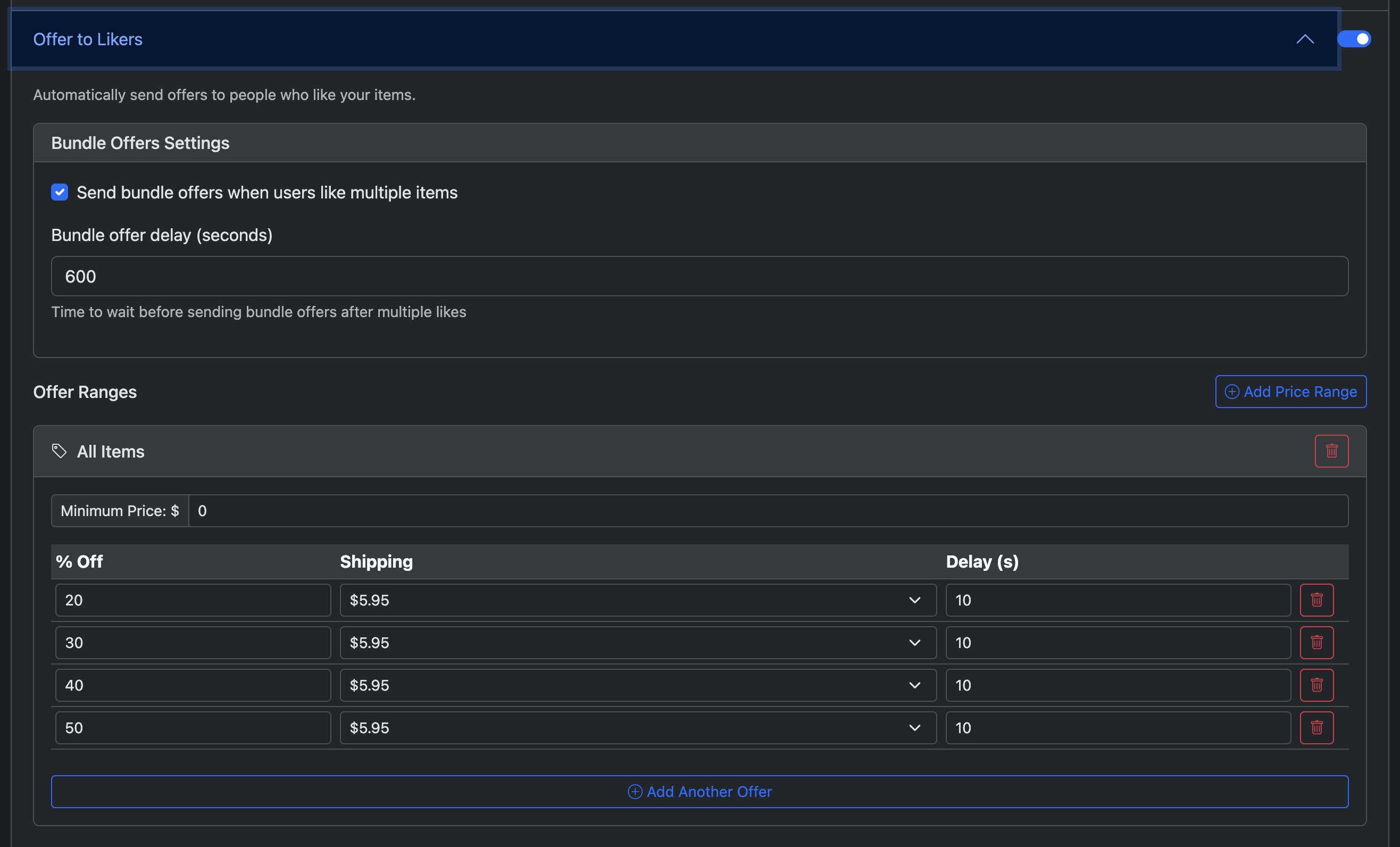
- Yes. Resellbot can handle sharing, follows, offers to likers, listing refreshes, closet organization, and multiple closets from the cloud.
- How should I use Poshmark sales data?
- Use the current reports to compare brands, categories, products, and sellers before you source. Then check fees and choose which closet work is worth automating.