Support
Uninstall The App
How to uninstall the app from your browser.
To uninstall Resellbot Poshmark Chrome Extension, you'll need to uninstall the web extension.
Uninstall from Google Chrome
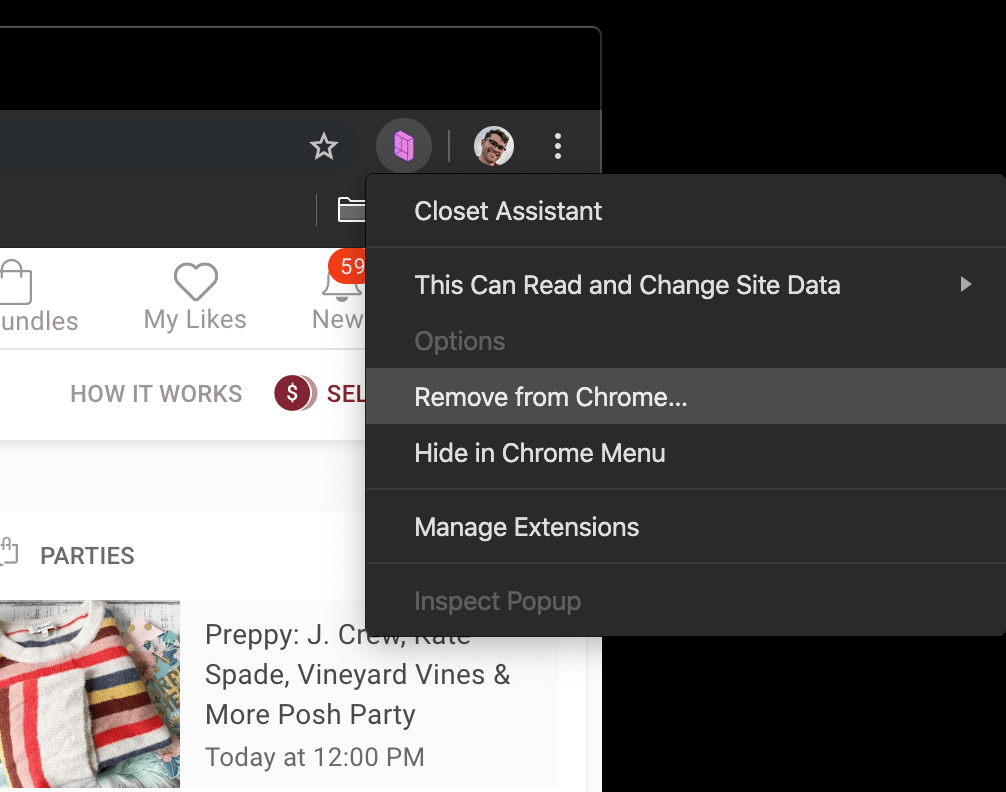
- Right-click the Resellbot Poshmark Chrome Extension app icon in the top right where your extensions are located.
- Click "Remove from Chrome..."